contact
Instructions
See instructions below for more help
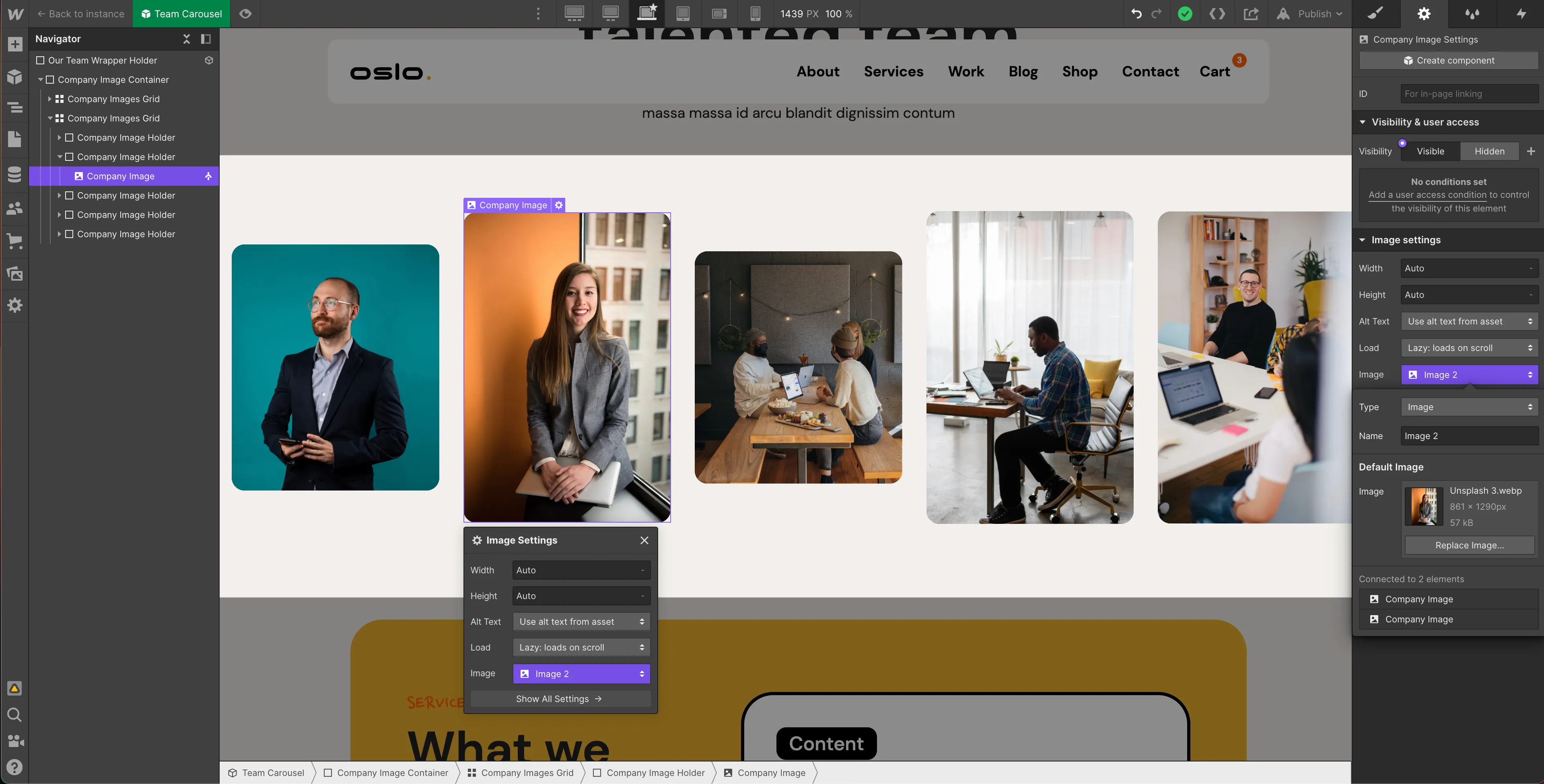
Team Carousel
Team Carousel Symbol.
Click to gear icon.
Replace image.
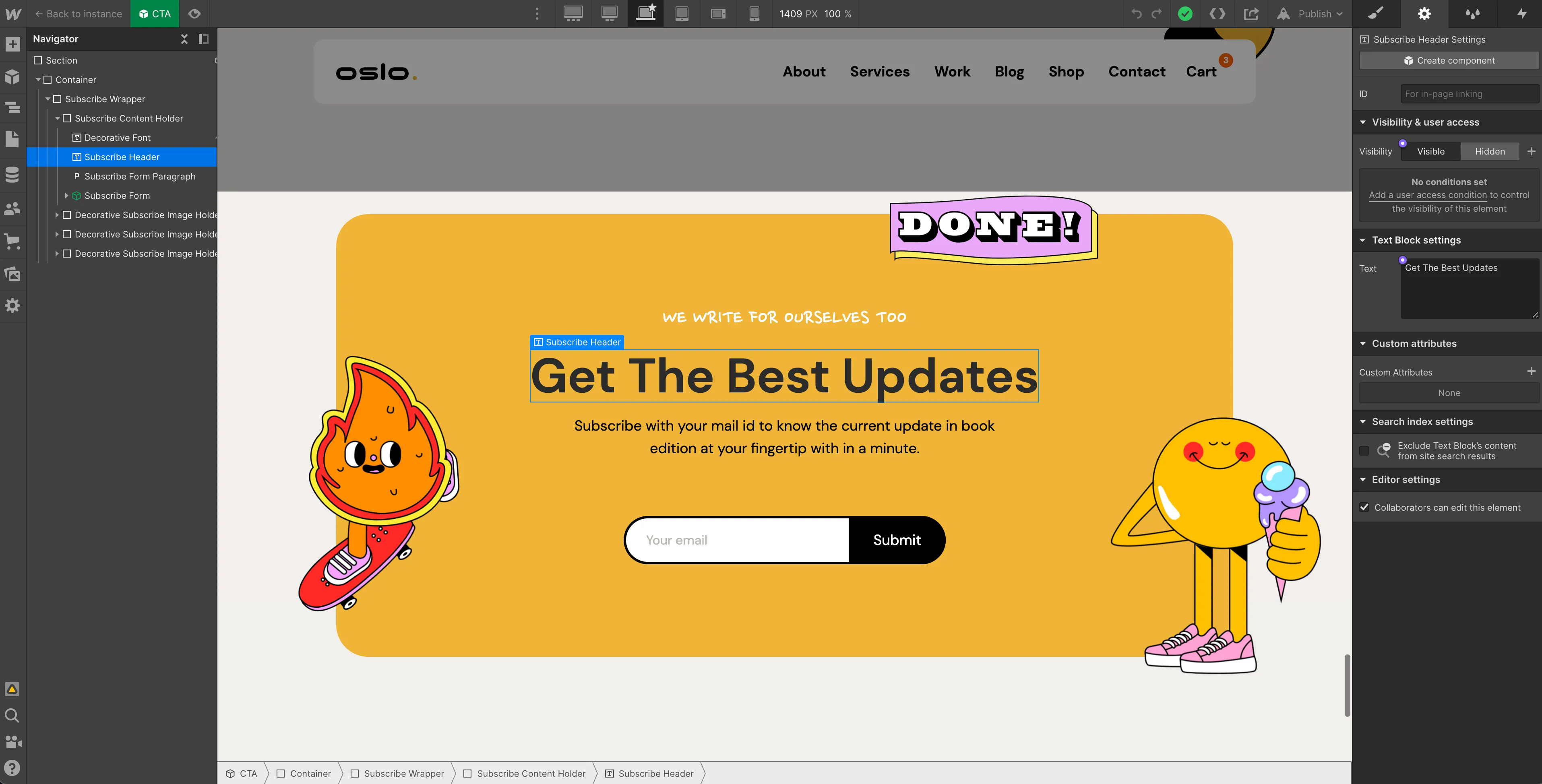
CTA
Double Click CTA.
Go to settings on your right panel.
Change text.
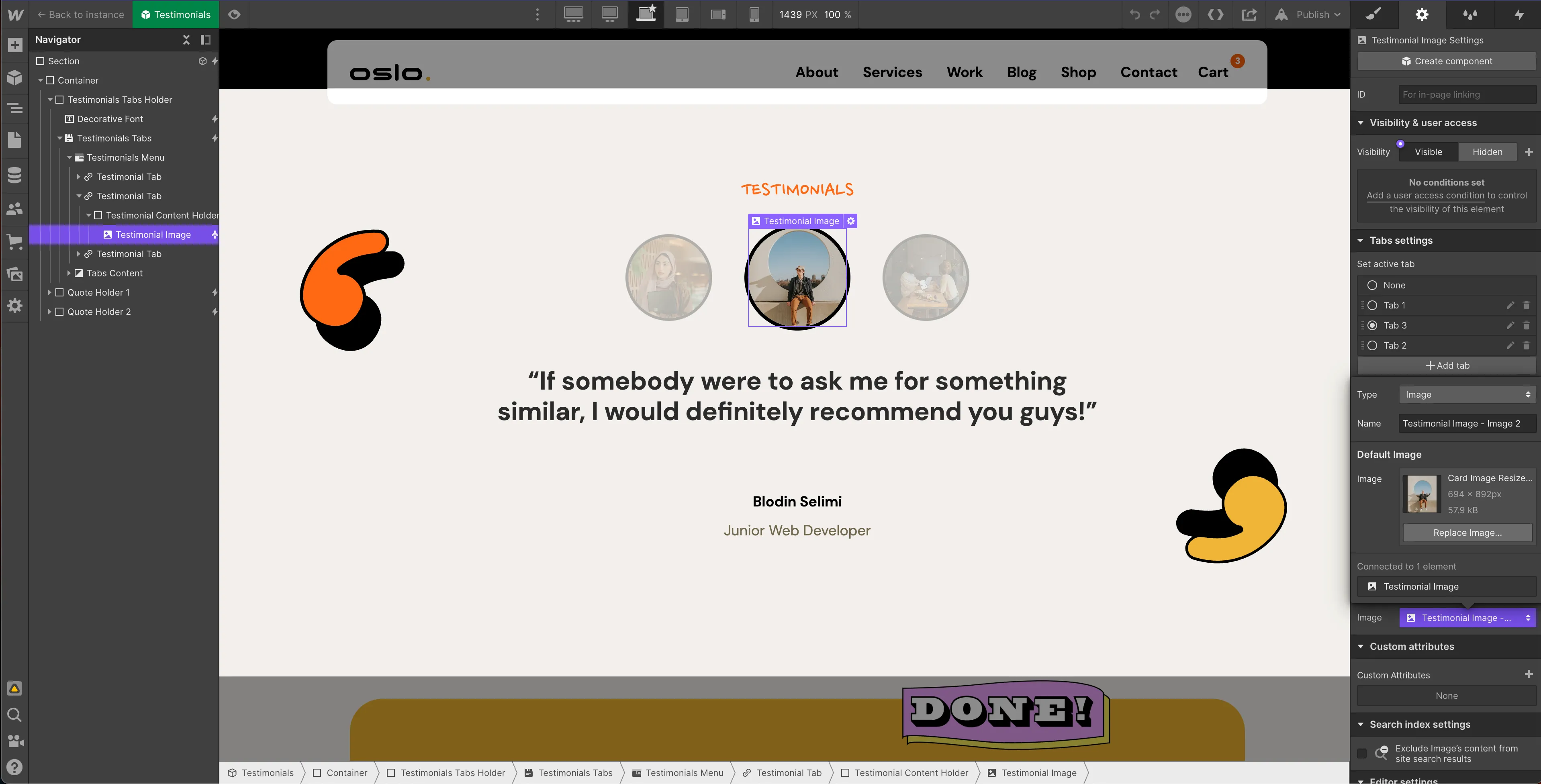
Testimonials
Go to Green Testimonials Symbol , click Twice.
Go to settings.
Replace image and text.
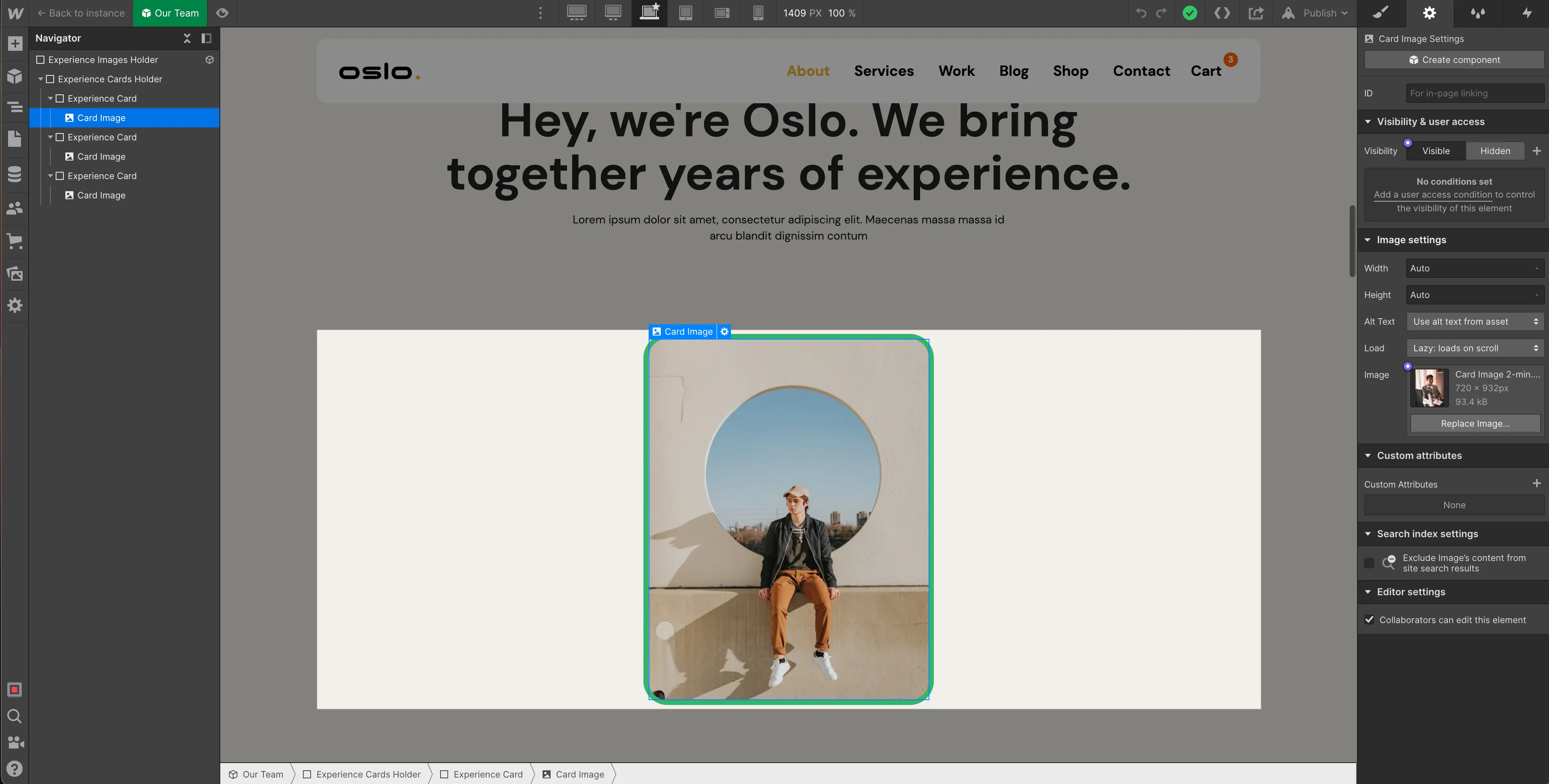
Our Talented Team
Go to Our Team Symbol
Click Gear Icon (settings)
Replace Image


%20(1).svg)


